
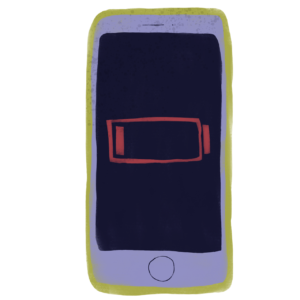
According to Apple and general recommendations, you should consider replacing your iPhone battery when its “Maximum Capacity” drops below 80%. @
Here’s a breakdown of what that means and how to check:
1. The 80% Rule:
- Apple designs its batteries to retain at least 80% of their original capacity after 500 complete charge cycles (for most models). ©
- When your battery’s capacity falls below this 80% threshold, it can lead to noticeable performance issues, such as:
- Shorter battery life, requiring more frequent charging.
- Slower app performance.
- Dimmer screen brightness. ®
- Unexpected shutdowns. O
- At this point, Apple’s software may also start
“throttling” the phone’s performance to prevent unexpected shutdowns, which can make yourphone feel sluggish.2. How to Check Your Battery Health:
- Go to Settings on your iPhone. &
- Tap on Battery.
- Tap on Battery Health & Charging (or just Battery
Health on older iOS versions). © - You will see a “Maximum Capacity” percentage.
This number indicates the current battery capacity relative to when it was new. @ +1
3. Other Factors to Consider:
- Your experience: Even if your battery health is above 80%, you might find that the battery life is no longer meeting your needs. If you find yourself constantly looking for a charger or a power bank, it might be a good time to get a replacement, regardless of the percentage.
-
- Apple Store or an Apple Authorized Service Provider: This is generally the safest and most reliable option. If you have AppleCare+, a battery replacement is free if the capacity is below 80%.
Otherwise, there is a fee. - Third-party repair shops: These can be a more affordable option, but be sure to choose a reputable shop that uses high-quality parts. Using non-original batteries or improperly installing a new one could cause other issues with your phone.”Service” Message: If your iPhone’s battery health screen displays a “Service” message, it’s astrong indication that the battery needs to be replaced to restore full performance and capacity.
- Apple Store or an Apple Authorized Service Provider: This is generally the safest and most reliable option. If you have AppleCare+, a battery replacement is free if the capacity is below 80%.